Delivery & Quotas
Because Smart Form Notifications uses your Google account to send alerts, your delivery capacity is governed by Google's native infrastructure and daily limits.
1. Understanding Your Quota
Rolling Reset
Your quota resets on a rolling 24-hour basis according to Google's internal clock.
Account-Wide
This limit is shared across all Google Forms, Sheets, and Add-ons on your account.
Real-Time Tracking
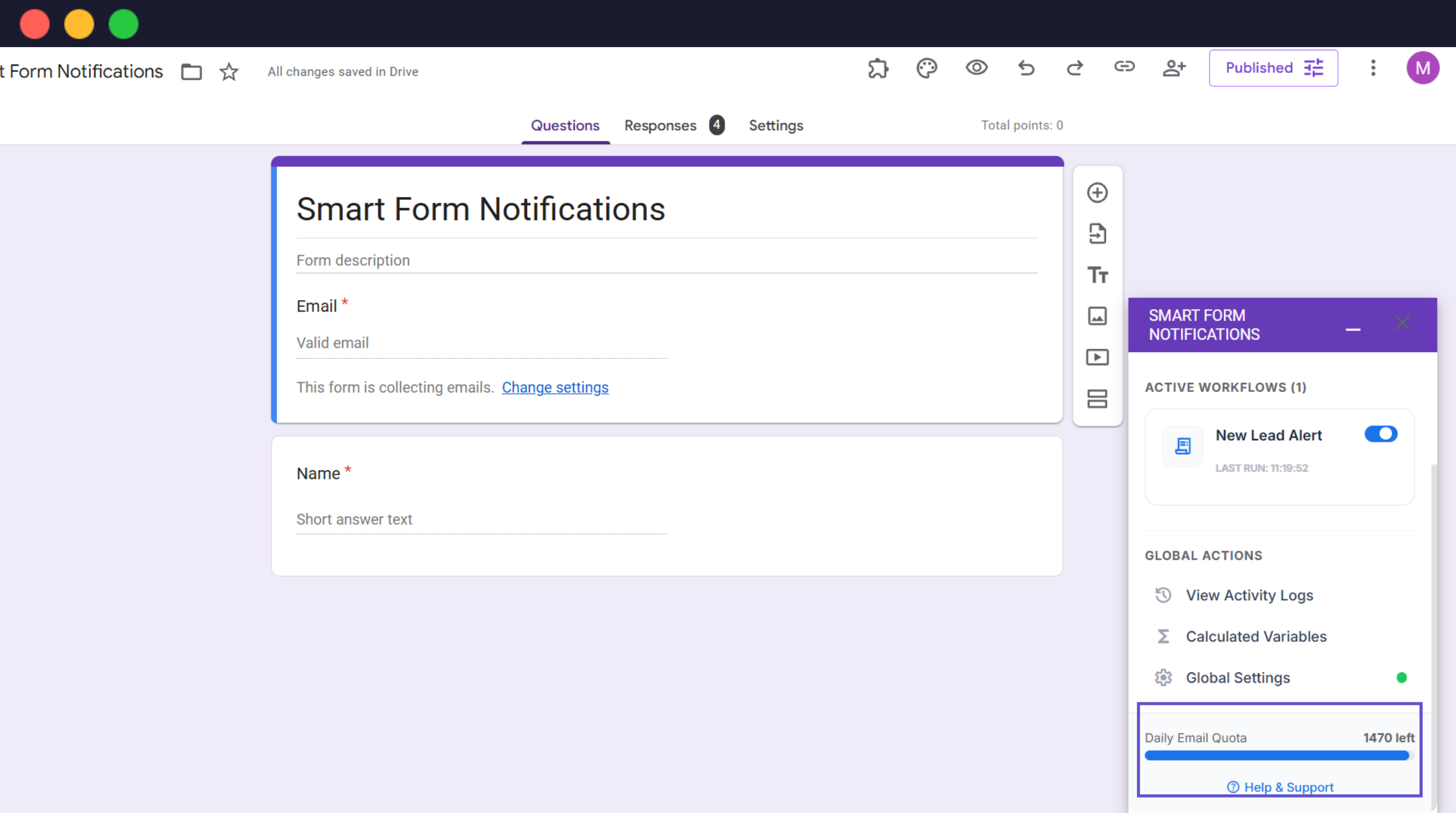
The progress bar at the bottom of the sidebar shows your current remaining credits.
Video: Monitoring Your Limits
Video: How to track your daily email limits & logs
2. Limits by Account Type
Personal Account
Addresses ending in @gmail.com. Ideal for individuals and personal projects.
Business / Education
Google Workspace domains. Designed for professional teams and high-volume automation.
3. Ensuring Inbox Success
Valid Email Addresses
Use form validation to prevent fake or mistyped addresses that cause 'bounces'.
Avoid Spam Triggers
Keep subject lines clear and avoid excessive 'sales' language like 'FREE!!!' or 'URGENT!!!'.
Sender Reputation
Emails are sent from your own account, ensuring high deliverability from a trusted source.
What if You Run Out?
If you exceed your daily quota, the add-on will pause sending until the next reset. Submissions made during a zero-quota state will not be queued.
Audit Logs
Check Execution Logs; quota errors will be labeled "Failure" with "Quota Exceeded".
Solution
Upgrade your Google Workspace plan (e.g. Starter to Business Standard) to increase native limits.